

Vision Trader
How To Add Vision Trader Webapp to Home Screen
Quick access to the Vision Trader Webapp on your device’s home screen for seamless trading anytime.
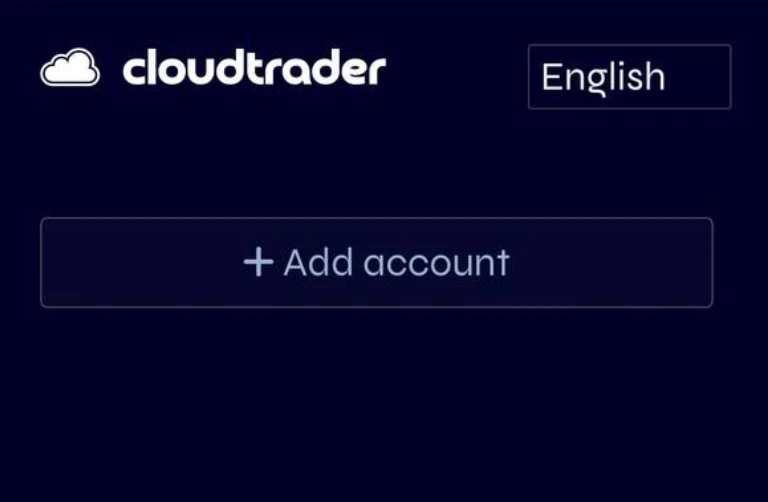
2.
Step 2
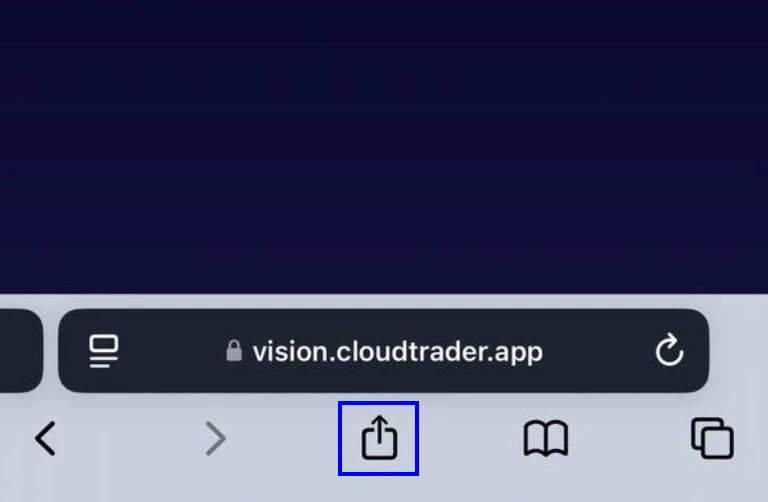
Click the Share Button at the bottom of the screen
3.
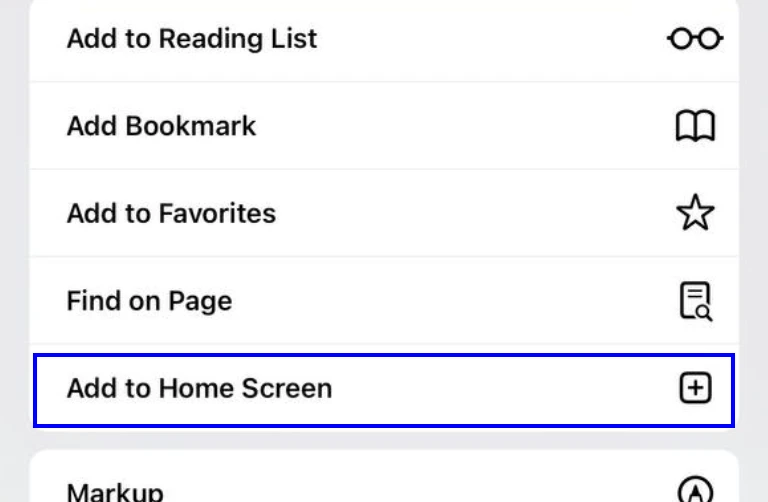
Step 3
Click Add to Home Screen
4.
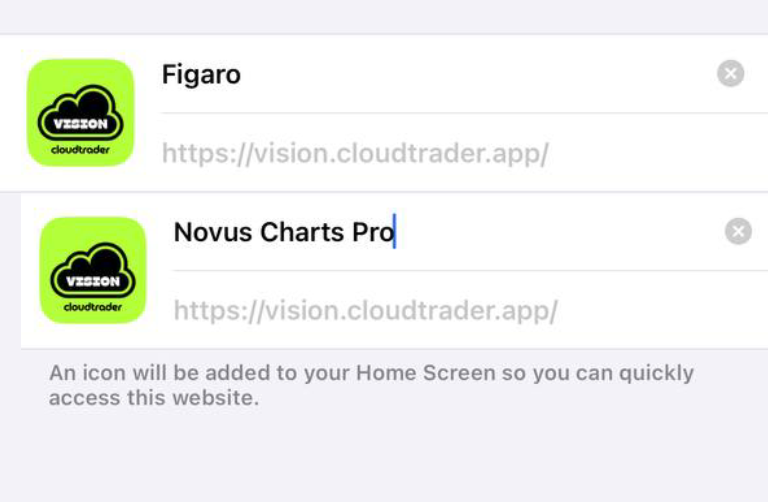
Step 4
Rename to Novus Charts Pro & click add
5
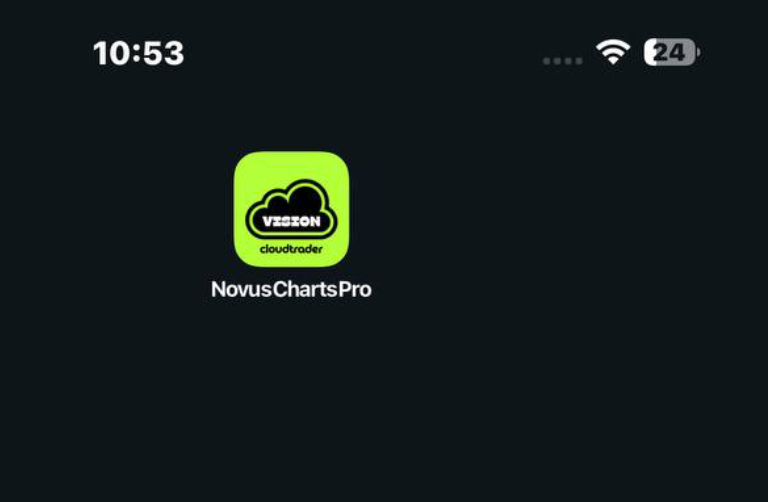
Step 5
Click The New Novus Charts Pro Icon on your home screen to open the app

Experience Seamless Trading